AI Integration · Machine Learning
Multimodal AI in 2026: When Machines Learn to See, Hear, and Act Together
Multimodal AI models that combine vision, language, and action are creating a new category of digital workers. Here's what's real, what's hype, and how developers can start building with them.

Anurag Verma
8 min read
Sponsored
I remember when AI models could either understand text or look at images, but not both at the same time. That feels like ancient history now.
In 2026, the most capable AI models don’t just read text. They see images, interpret charts, listen to audio, watch video, and generate across all these formats. And the really interesting part? They’re starting to take actions based on what they perceive: clicking buttons, filling forms, navigating interfaces.
We’re not talking about a novelty feature anymore. This is becoming the foundation of a new kind of software.
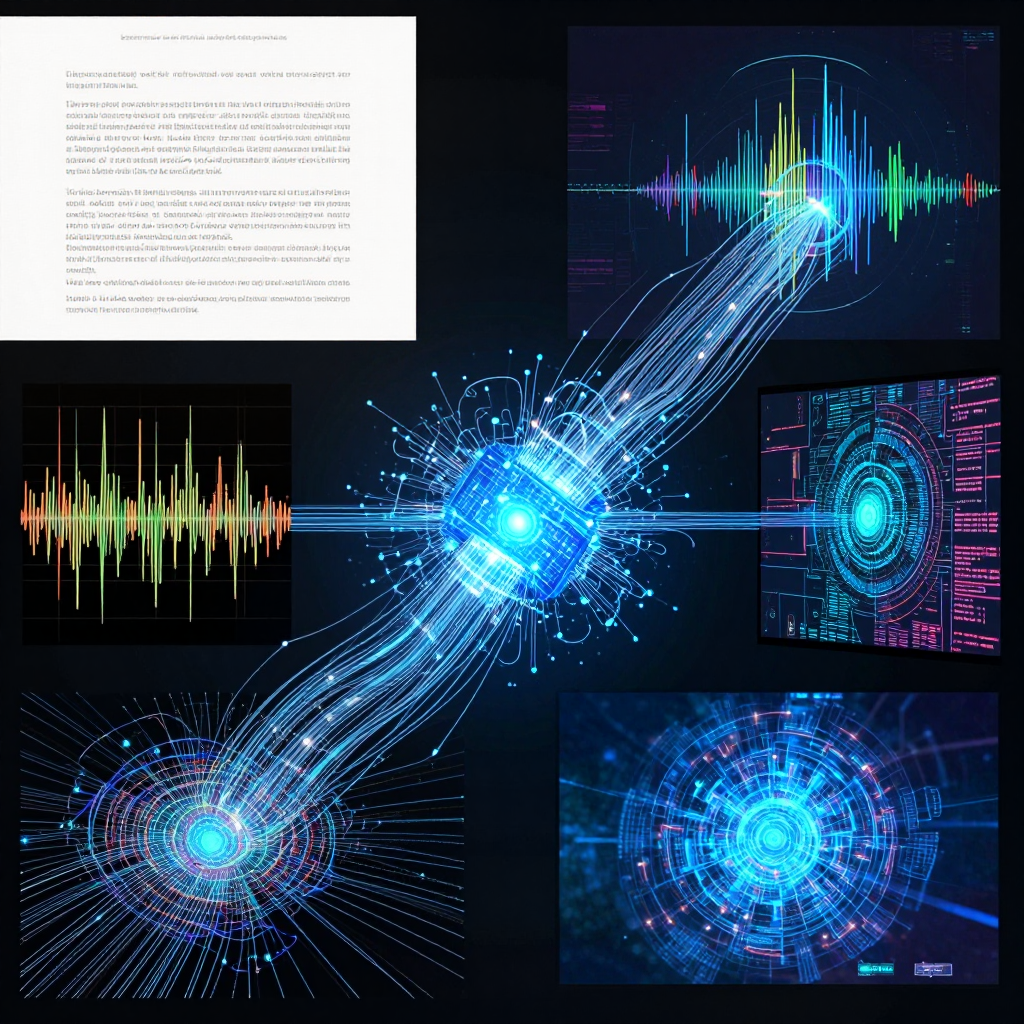 AI systems that bridge multiple modalities are unlocking entirely new applications
What Multimodal AI Actually Means
Let’s ground this. A “multimodal” AI model can process and generate content across multiple types of data:
| Modality | Input Example | Output Example |
|---|---|---|
| Text | ”Describe this image” | Written description |
| Image | Photo of a receipt | Extracted line items |
| Audio | Voice memo | Transcription + summary |
| Video | Screen recording | Step-by-step instructions |
| Code | Screenshot of UI | Working HTML/CSS |
| Action | ”Book a flight to NYC” | Browser automation |
The breakthrough isn’t any single modality. It’s the fact that one model handles all of them in a unified way. You can show it a screenshot of a buggy UI, and it’ll write the CSS fix. You can give it a hand-drawn wireframe, and it’ll generate a working prototype. You can feed it a video tutorial and get structured notes.
The Models Leading the Way
GPT-4.5 and GPT-4o
OpenAI’s models set the standard for multimodal interaction. GPT-4o in particular handles real-time voice, vision, and text in a single stream. The quality of image understanding is genuinely impressive: it can read handwriting, interpret complex diagrams, and describe scenes with nuance.
Claude Opus 4.5
Anthropic’s flagship excels at long document analysis with mixed content. It handles PDFs with charts, tables, and images better than anything else I’ve tested. For enterprise workflows where documents are messy and multi-format, this is the one I reach for.
Gemini 2.0
Google’s model has the native advantage of being trained on Google’s massive multimodal dataset. Video understanding is where it really shines: it can analyze long videos, reference specific timestamps, and connect visual information to spoken dialogue.
Open-Source Contenders
LLaVA, CogVLM, and InternVL are making multimodal capabilities accessible to everyone. They’re not at the same level as the proprietary models yet, but the gap is closing. For many practical use cases (document parsing, image classification, visual QA), they’re good enough.
Where This Gets Practical
I want to focus on use cases that are actually deployed and working, not research demos.
Document Processing That Actually Works
Anyone who’s dealt with enterprise document processing knows the pain. PDFs with mixed layouts, scanned forms, handwritten notes, tables embedded in paragraphs. Traditional OCR handles some of it, but multimodal AI handles all of it.
I worked on a project for an insurance company last quarter where the workflow looked like this:
- Customer uploads a claim document (could be a photo of a handwritten form, a scanned PDF, or an email with attachments)
- Multimodal model reads the entire document regardless of format
- It extracts all structured data: names, dates, amounts, policy numbers
- It flags inconsistencies (“the date on page 1 doesn’t match page 3”)
- It generates a summary and routes the claim to the right department
What used to take a human 15-20 minutes per claim now takes under 30 seconds. And accuracy is higher because the model doesn’t get fatigued after processing 200 claims in a row.
Visual QA for E-Commerce
Product listings often have information buried in images that isn’t in the text description. A multimodal model can look at product photos and answer customer questions: “Does this backpack have a laptop compartment?” It checks the images and responds accurately, even if that detail wasn’t in the product description.
Healthcare Image Analysis
This is where I get genuinely excited about the technology. Multimodal models are assisting radiologists by providing initial reads on medical images, flagging areas of concern, and cross-referencing with patient history. The key word is “assisting”: no responsible deployment replaces the human expert, but it dramatically speeds up the workflow and catches things that might be missed during a busy shift.
Accessibility
Multimodal AI is quietly transforming accessibility. Image descriptions for visually impaired users went from basic (“a photo of people”) to rich and contextual (“three colleagues discussing a whiteboard diagram of a system architecture, with one person pointing to the database layer”). Alt text generation, scene description, and visual content summarization are all vastly better.
The “Digital Worker” Concept
Here’s where things get interesting, and a bit uncomfortable for some people. When you combine multimodal perception with agentic action-taking, you get what some are calling “digital workers.”
A digital worker can:
- See what’s on a screen
- Understand what the interface is showing
- Decide what action to take
- Act by clicking, typing, or navigating
- Verify that the action produced the expected result
This isn’t theoretical. Tools like Anthropic’s computer use capability, OpenAI’s Operator, and various open-source browser automation frameworks are making this real.
What It Looks Like in Practice
Imagine onboarding a new employee. Today, someone walks them through 15 different systems, showing them how to set up accounts, configure settings, and complete training modules. A digital worker could handle all of that: navigating each system, filling in the appropriate fields, completing the required steps, and flagging anything that needs human attention.
Or think about data entry across systems that don’t have APIs. Someone copies data from a spreadsheet into a legacy web application, field by field. A multimodal agent can see the spreadsheet, see the web form, and fill it in. No API integration required.
Where It Falls Short
I want to be honest about the limitations:
Speed. Screen-based interaction is inherently slower than API calls. A digital worker clicking through a UI will always be slower than a direct database query. Use this approach when APIs don’t exist, not as a replacement for proper integrations.
Reliability. UI changes break these systems. If a button moves or a layout changes, the agent might get confused. You need monitoring and fallback mechanisms.
Security. Giving an AI agent control of a browser session that’s logged into your systems raises legitimate security concerns. Credential management, session isolation, and audit logging are essential.
Building Multimodal Applications
If you want to start building with multimodal AI, here’s the practical advice I’d give:
Start with the Input, Not the Model
Figure out what kind of data your users are actually working with. If it’s mostly text with occasional images, you might not need full multimodal capabilities. If it’s photos, screenshots, documents, and mixed media, multimodal is the right approach.
Pre-Process When Possible
Multimodal models are powerful but expensive. If you can extract text from a document with traditional OCR first and only use the multimodal model for the parts that need visual understanding (charts, diagrams, handwriting), you’ll save significantly on cost.
Design for Graceful Degradation
Not every request needs multimodal processing. Build your system so that:
- Text-only requests go to a text model (cheaper, faster)
- Requests with images route to a multimodal model
- If the multimodal model fails, fall back to text extraction + text model
Test with Real-World Messiness
Lab demos use clean, well-lit, high-resolution images. Real users send blurry phone photos, skewed scans, and screenshots with notification bars covering important text. Test with the worst inputs you can imagine, because your users will find worse.
What I Think Happens Next
Multimodal AI is evolving fast, but I think we’re still in the “early useful” phase rather than the “fully mature” phase. Here’s what I expect:
Video understanding gets practical. Right now, analyzing long videos is slow and expensive. As costs come down and speed improves, video becomes a first-class input modality. Think: security footage analysis, meeting summarization from recordings, tutorial generation from screencasts.
Real-time multimodal interaction. GPT-4o gave us a taste of real-time voice + vision. In 2026, this becomes more reliable and accessible. Imagine pointing your phone camera at a broken appliance and having a repair guide generated on the spot.
Multimodal RAG. Retrieval-augmented generation currently works mostly with text. The next step is RAG systems that can retrieve and reason over images, diagrams, and videos alongside text. A support agent that can pull up relevant photos from previous cases, not just text descriptions.
The companies building on multimodal AI today are positioning themselves well. It’s not the only trend that matters, but it’s one that fundamentally expands what software can do.
Resources
- Anthropic Claude Vision Documentation
- OpenAI GPT-4o Capabilities
- Google Gemini 2.0 Developer Guide
- 2026 Global AI Trends, Dentons
Working on a multimodal AI project or trying to figure out if it’s the right approach for your use case? Let’s talk. We’ve shipped multimodal systems in production and know what works.
Sponsored
More from this category
More from AI Integration
 R.01
R.01 Document AI for Agencies: Extracting Structure from PDFs, Forms, and Contracts
 R.02
R.02 AI Video Generation in 2026: What Agencies Need to Know Before Pitching It to Clients
 R.03
R.03 Browser-Use Agents: Automating the Web When APIs Don't Exist
Sponsored
Discussion
Join the conversation.
Comments are powered by GitHub Discussions. Sign in with your GitHub account to leave a comment.
Sponsored